
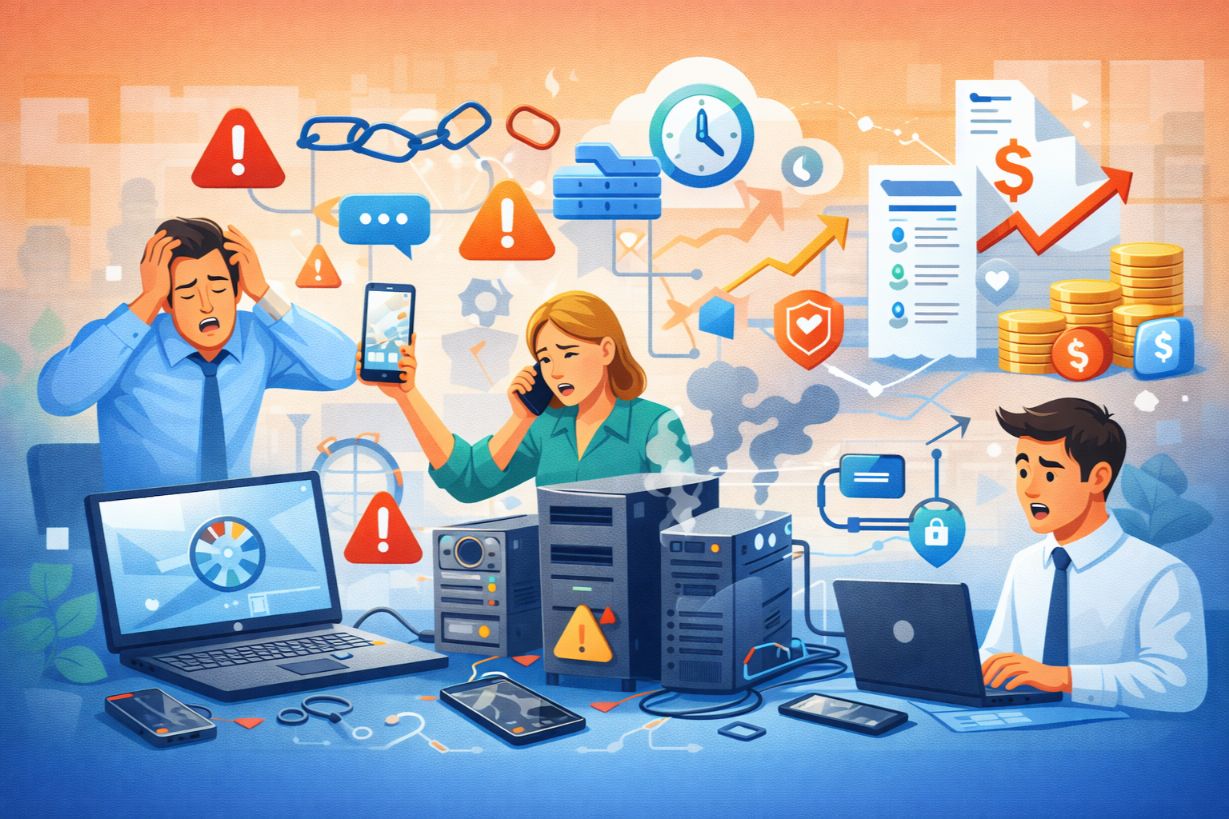
Why Poor Hardware and Device Management Is Costing SMBs More Than They Think
Hardware problems rarely make headlines — but they quietly drain budgets, increase risk, and disrupt productivity every day.
For many small and mid-sized businesses, laptops, desktops, servers, and mobile devices are managed reactively:
- Replace it when it breaks
- Patch it when there’s a problem
- Secure it only after an incident
This approach leads to higher costs, more downtime, and serious security exposure.
In this article, we’ll explore why IT hardware and device lifecycle management is critical for SMBs — and how managing the full lifecycle of devices creates stability, savings, and security.
What Is IT Lifecycle Management?
IT lifecycle management is the structured process of managing hardware and devices from:
- Planning & Procurement
- Deployment
- Maintenance & Monitoring
- Security & Updates
- Replacement & Disposal
Instead of reacting to failures, SMBs take a proactive, cost-controlled approach.
Why SMBs Struggle with Hardware Management
Many SMBs face:
- Limited IT staff
- No standard device policies
- Inconsistent purchasing decisions
- Aging equipment still in use
As businesses grow, unmanaged hardware quickly becomes a liability.
The Hidden Costs of Poor Device Management
1. Increased Downtime
Aging devices fail more often.
Downtime caused by:
- Hard drive failures
- Outdated operating systems
- Overheating hardware
Directly impacts productivity and customer service.
2. Security Vulnerabilities
Old or unmanaged devices often:
- Miss critical security patches
- Run unsupported operating systems
- Lack modern security controls
These devices become easy entry points for attackers.
3. Unpredictable IT Spending
Reactive replacements result in:
- Emergency purchases
- Premium pricing
- Budget overruns
Lifecycle planning creates predictable, manageable costs.
4. Poor Employee Experience
Slow, unreliable devices frustrate employees and reduce efficiency.
Productivity drops when:
- Devices crash
- Applications lag
- Hardware can’t support modern software
The Importance of Standardization
Standardizing hardware models and configurations:
- Simplifies support
- Reduces compatibility issues
- Improves security consistency
It also shortens onboarding time for new employees.
Endpoint Management: More Than Just Devices
Modern SMB environments include:
- Laptops and desktops
- Smartphones and tablets
- Remote and BYOD devices
Endpoint management ensures:
- Devices are monitored
- Policies are enforced
- Data remains protected
Security and Hardware Lifecycle Management
Hardware lifecycle management plays a critical role in cybersecurity.
Key controls include:
- Disk encryption
- Secure authentication
- Patch management
- Remote wipe capabilities
Devices must be secure from day one — and properly decommissioned at end of life.
Refresh Cycles: When Should SMBs Replace Hardware?
Typical guidelines:
- Laptops: 3–4 years
- Desktops: 4–5 years
- Servers: 5 years (or migrate to cloud)
Planned refresh cycles reduce failures and improve performance.
Asset Tracking & Inventory Management
Knowing what devices exist — and where — is essential.
Asset management helps SMBs:
- Track warranties
- Monitor age and condition
- Plan replacements
- Support audits and compliance
You can’t protect what you don’t know you have.
The Role of Cloud and Virtualization
Many SMBs reduce hardware dependency by:
- Migrating servers to the cloud
- Using virtual desktops
- Adopting SaaS platforms
This simplifies lifecycle management and reduces capital expenses.
Device Disposal and Data Destruction
End-of-life devices pose major risks.
Proper disposal includes:
- Secure data wiping
- Certified destruction
- Environmental compliance
Improper disposal can lead to data breaches long after a device is retired.
How Managed IT Services Simplify Lifecycle Management
Managed IT providers help SMBs by:
- Standardizing devices
- Managing deployments
- Monitoring health and performance
- Handling refresh cycles
- Ensuring secure disposal
This removes guesswork and reduces risk.
Real-World Example: Lifecycle Management in Action
A 45-employee firm:
- Uses mixed hardware models
- Experiences frequent failures
- Struggles with security patching
After implementing lifecycle management:
- Devices are standardized
- Failures decrease
- Security improves
- Costs become predictable
Lifecycle Management and Compliance
Many regulations require:
- Asset tracking
- Secure data disposal
- Patch management
Lifecycle management supports compliance and audit readiness.
Common Hardware Management Myths
❌ “We’ll Replace It When It Breaks”
Breakdowns cost more than planning.
❌ “Old Devices Still Work Fine”
Performance and security degrade silently.
❌ “Lifecycle Management Is Overkill”
It’s basic risk management.
How SMBs Can Get Started
Step 1: Inventory All Devices
Step 2: Identify Age and Risk
Step 3: Standardize Hardware
Step 4: Define Refresh Cycles
Step 5: Implement Endpoint Management
Start with visibility — build from there.
Hardware Is the Foundation of IT Performance
Every application, process, and security control depends on hardware.
For SMBs, effective hardware and device lifecycle management:
- Reduces downtime
- Improves security
- Controls costs
- Enhances productivity
Managed properly, hardware stops being a problem — and starts supporting growth.
Unsure if your devices are secure, supported, and cost-effective?
Schedule an IT asset and lifecycle assessment to identify risks and opportunities.