
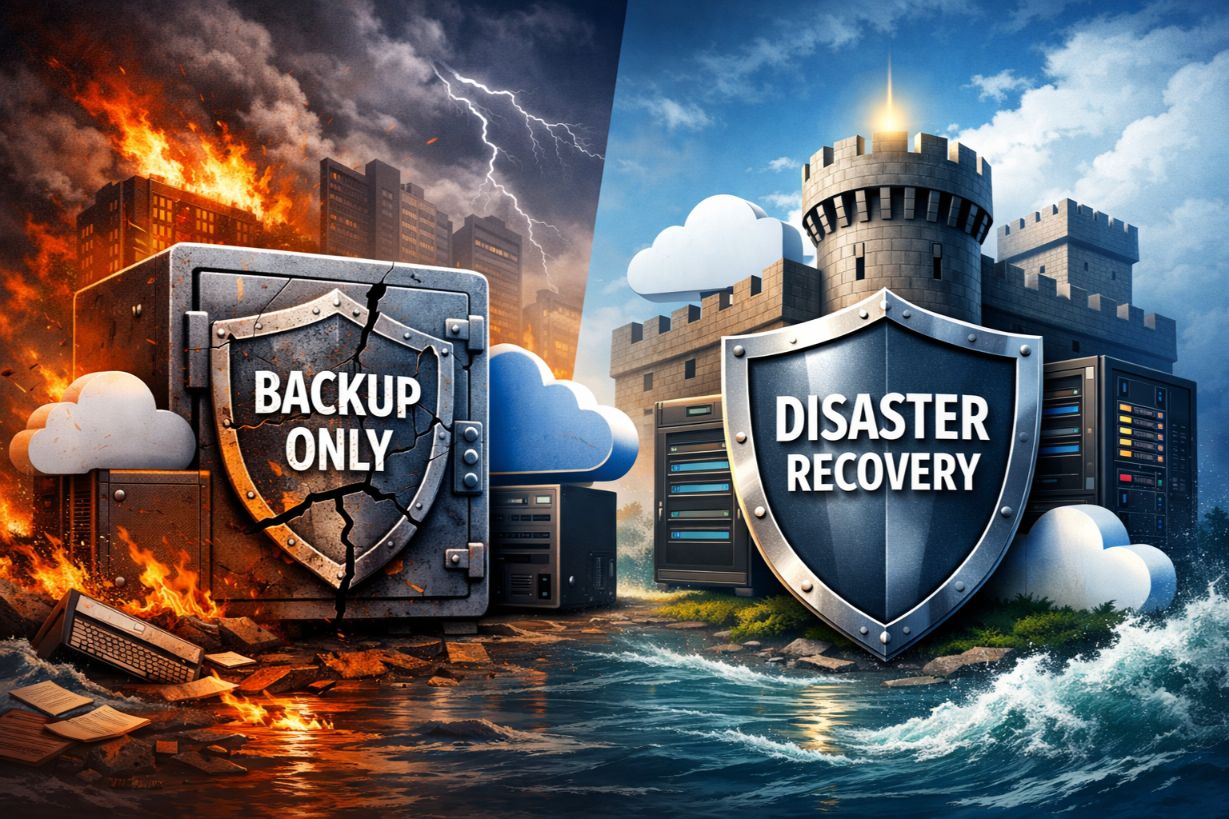
Why Backup Alone Won’t Save Your SMB When a Real Disaster Hits
Many SMBs believe they’re prepared for disaster because they have backups.
They assume:
- Data is protected
- Systems can be restored
- Business will resume
Unfortunately, when real disasters occur — ransomware, cloud outages, hardware failures, or human error — backups alone often fail to save the business.
In this article, we’ll explain why backups are only one piece of resilience, where SMBs commonly get disaster recovery wrong, and what real business continuity requires when everything goes wrong.
The Dangerous Myth: “We Have Backups, So We’re Fine”
Backups protect data — not operations.
When disaster strikes, SMBs discover:
- Restores take far longer than expected
- Systems can’t be rebuilt quickly
- Dependencies weren’t documented
- Employees don’t know what to do
Preparedness collapses under pressure.
Backup vs Recovery: A Critical Distinction
Backup
- Copies data
- Stores it somewhere safe
Recovery
- Restores systems
- Rebuilds environments
- Resumes operations
Backup is a component.
Recovery is the outcome.
Why SMB Recoveries Fail in the Real World
1. Restore Times Are Unrealistic
Many backups:
- Aren’t optimized for speed
- Require manual intervention
- Depend on unavailable staff
Hours become days.
2. Critical Systems Are Overlooked
Backups may miss:
- SaaS configurations
- Cloud permissions
- Licensing dependencies
Restored data without working systems is useless.
3. No Defined Recovery Priorities
Without RTOs and RPOs:
- Everything is “critical”
- Teams panic
- Recovery stalls
Prioritization matters.
4. No Tested Recovery Process
Un-tested backups:
- Fail silently
- Are misconfigured
- Don’t restore cleanly
Testing reveals reality.
What Real Business Continuity Looks Like
True continuity ensures:
- Critical operations continue
- Downtime is minimized
- Customers are supported
- Employees know their roles
Continuity is operational — not theoretical.
The Role of RTO and RPO in Survival
Recovery Time Objective (RTO)
How long systems can be down.
Recovery Point Objective (RPO)
How much data loss is acceptable.
These are business decisions — not IT guesses.
Why Ransomware Exposes Backup Weaknesses
Modern ransomware:
- Targets backups
- Encrypts connected storage
- Delays detection
Without isolated, immutable backups — recovery may be impossible.
Cloud Outages: The False Sense of Safety
Cloud doesn’t eliminate downtime.
SMBs still face:
- Provider outages
- Configuration errors
- Access failures
Continuity plans must include cloud scenarios.
The Human Factor in Disaster Recovery
During incidents:
- Stress rises
- Decisions slow
- Communication breaks down
Documented plans and rehearsals reduce chaos.
Why Testing Is the Most Ignored Continuity Step
Most SMBs:
- Rarely test restores
- Never simulate full outages
Testing is uncomfortable — but essential.
How Managed BCDR Services Change Outcomes
Managed providers offer:
- Continuous monitoring
- Automated recovery
- Regular testing
- Incident coordination
This turns recovery into a process — not a gamble.
Real-World Example: Backup Wasn’t Enough
An SMB:
- Suffers ransomware
- Has backups
Recovery fails because:
- Backups were connected
- Restore times exceeded tolerance
- Customers were lost
The lesson is painful — but common.
What SMBs Should Include in a Real Recovery Plan
A real plan covers:
- Systems and dependencies
- Recovery order
- Communication protocols
- Vendor contacts
- Decision authority
Documentation saves time when seconds matter.
Insurance and Recovery Expectations
Insurers increasingly expect:
- Tested recovery plans
- Documented RTOs
- Immutable backups
Backup alone no longer qualifies.
Future of SMB Disaster Recovery
Recovery is moving toward:
- Automated failover
- Continuous testing
- Integrated cyber resilience
Preparedness will be ongoing — not annual.
How SMBs Can Move Beyond “Backup-Only” Thinking
Step 1: Identify Critical Systems
Step 2: Define Downtime Tolerance
Step 3: Implement Resilient Backups
Step 4: Build and Test Recovery Plans
Step 5: Review Regularly
Reality beats assumptions.
Recovery Is What Saves Businesses
Backups protect data.
Recovery protects the business.
For SMBs, survival after disaster depends on:
- Realistic recovery planning
- Tested processes
- Clear leadership decisions
If disaster strikes tomorrow, the question isn’t:
Do we have backups?
It’s:
Can we recover fast enough to stay in business?
Confident your backups would actually get your business back online?
Schedule a disaster recovery readiness assessment to test assumptions before they’re tested for you.