
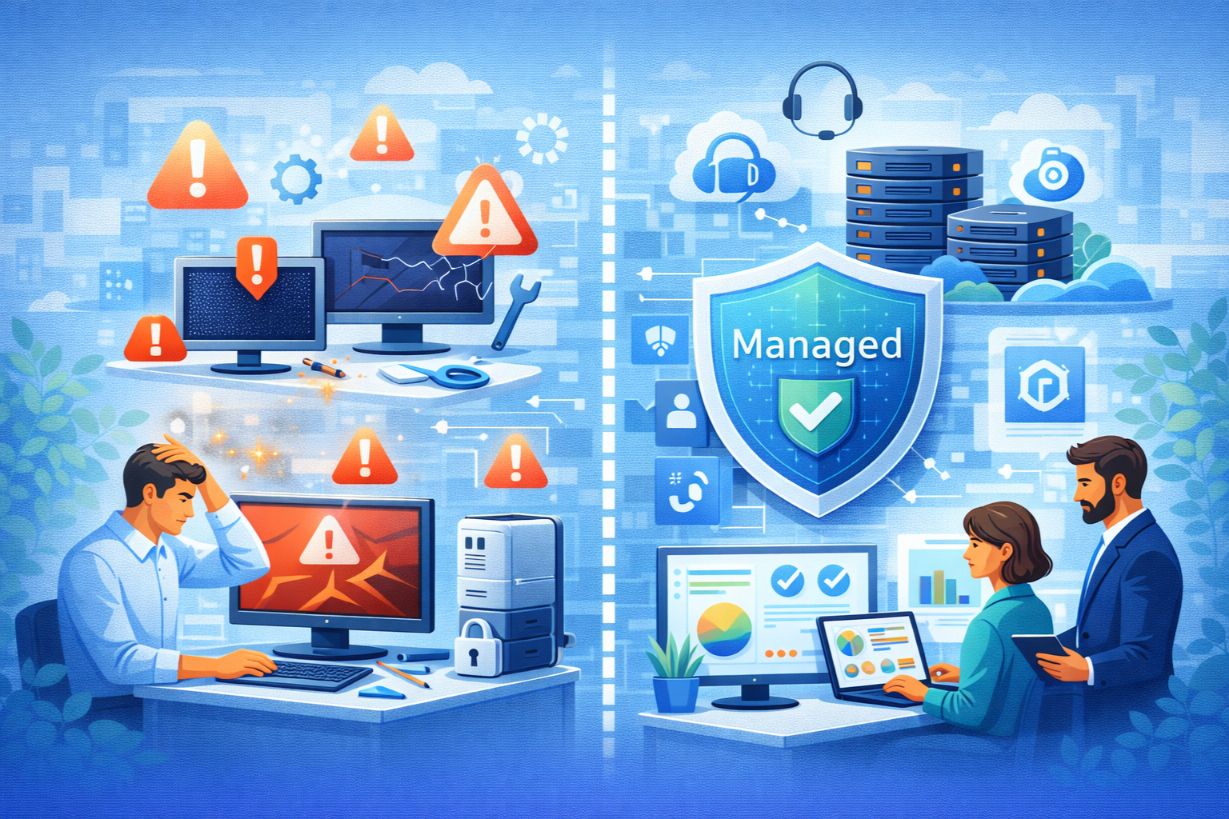
When Break-Fix IT Fails: How SMBs Know It’s Time for Managed IT Services
Break-fix IT support often feels like the easiest option for small businesses.
You call IT when something breaks.
You pay when there’s a problem.
You move on.
Until one day, the problems don’t stop.
For many SMBs, the shift to managed IT services doesn’t happen because they planned it — it happens because break-fix IT finally fails them.
In this article, we’ll explore the warning signs that indicate it’s time to move on from break-fix support, and how managed IT services deliver stability, predictability, and real business value.
What Is Break-Fix IT — and Why SMBs Start There
Break-fix IT is reactive by design.
It works early on because:
- Technology environments are simple
- User counts are low
- Risk exposure is limited
But as businesses grow, complexity increases — and break-fix cracks begin to show.
Why Break-Fix IT Becomes a Liability
Break-fix IT rewards reaction, not prevention.
This leads to:
- Deferred maintenance
- Outdated systems
- Security gaps
- Frequent emergencies
The result is higher long-term cost and risk.
Clear Warning Signs It’s Time to Switch
1. IT Issues Are Becoming Frequent
If outages, slow systems, or recurring problems are “normal,” break-fix has already failed.
Managed IT focuses on eliminating root causes, not just fixing symptoms.
2. Downtime Is Impacting Revenue or Customers
Downtime used to be an inconvenience.
Now it’s a business threat.
If outages:
- Delay orders
- Miss customer SLAs
- Interrupt operations
Reactive IT is no longer acceptable.
3. Security Incidents or Near Misses Are Increasing
Phishing attempts, malware, and credential theft aren’t slowing down.
Break-fix IT rarely includes:
- Continuous monitoring
- Proactive patching
- Security strategy
Managed IT does.
4. IT Costs Are Unpredictable
Emergency IT bills create budgeting chaos.
Managed IT replaces:
- Surprise invoices
With: - Predictable monthly costs
This improves financial planning and ROI analysis.
5. Technology Decisions Feel Reactive
If IT decisions are driven by:
- Failures
- Urgent needs
- Vendor pressure
You’re reacting — not planning.
Managed IT introduces strategy and roadmaps.
The IT Support Maturity Curve for SMBs
Most SMBs move through predictable stages:
- No IT support
- Break-fix support
- Managed IT services
- Strategic IT partnership
Staying too long in stage 2 creates compounding risk.
How Managed IT Services Change the Game
Managed IT flips the model.
Instead of:
- Waiting for problems
MSPs:
- Monitor systems 24/7
- Patch and maintain proactively
- Prevent outages
- Plan strategically
Problems become exceptions — not constants.
Key ROI Drivers of Managed IT Services
Reduced Downtime
Prevention saves far more than repair.
Improved Security Posture
Continuous monitoring and layered security reduce breach risk.
Operational Efficiency
IT stops interrupting workflows.
Strategic Alignment
Technology supports growth instead of slowing it.
Break-Fix vs Managed IT: Cost Comparison
Break-fix costs:
- Appear low
- Spike unpredictably
- Increase with incidents
Managed IT costs:
- Are predictable
- Include prevention
- Scale with the business
Over time, managed IT almost always costs less.
Co-Managed IT: A Middle Ground
Some SMBs already have internal IT.
Co-managed IT:
- Supports internal teams
- Covers gaps
- Reduces burnout
It’s an evolution — not a replacement.
Security, Compliance & Insurance Pressure
Cyber insurance providers increasingly expect:
- Proactive security
- Monitoring
- Documented controls
Break-fix models struggle to meet these requirements.
Real-World Example: The Breaking Point
A 40-employee company:
- Uses break-fix IT
- Experiences frequent outages
- Fails a cyber insurance audit
After moving to managed IT:
- Downtime drops
- Security improves
- Insurance coverage restored
The switch becomes a turning point.
Common Reasons SMBs Delay the Switch
❌ “We’re Not Big Enough”
Risk doesn’t wait for size.
❌ “It’s Too Expensive”
Downtime and breaches cost more.
❌ “We’ll Switch Later”
Later is usually after an incident.
How to Transition Smoothly to Managed IT
Step 1: Assess Current IT Environment
Step 2: Identify Pain Points
Step 3: Define Success Criteria
Step 4: Choose the Right MSP
Step 5: Transition in Phases
Good MSPs make the switch seamless.
What to Look for in a Managed IT Partner
- Proactive monitoring
- Strong cybersecurity focus
- Clear SLAs
- Strategic planning services
- Transparent pricing
Avoid providers who only “fix tickets.”
Break-Fix IT Has an Expiration Date
Break-fix IT isn’t wrong — it’s just outdated for modern SMBs.
As technology becomes mission-critical, proactive, managed IT services become essential.
If IT problems feel constant, unpredictable, or risky — your business has already outgrown break-fix.
Experiencing frequent IT issues or unpredictable support costs?
Schedule a managed IT readiness assessment to see if it’s time to move beyond break-fix.